 The Photographer's Wife Working Mom, Family, Disney, Travel, Reviews
A new year means another year has ended, and what better time to order photobooks of the prior year than now! This project has been something we’ve been wanting NEEDING to do for a long time. Having a photographer in the family means we have lots and lots of photos, and while we have gotten many printed for frames or on canvas, there are still so many on the computer. I tried to scrapbook a while back in order to have somewhere to display photos, but I got as far as buying a scrapbook and that’s it….it’s still in the plastic. But when we saw someone else’s photobook, we knew that would be the perfect option for us. A photobook is a great way to scrapbook your photos into one convenient book, but in an easier and less messy way! I was so excited to finally create our photobooks using MyPublisher!
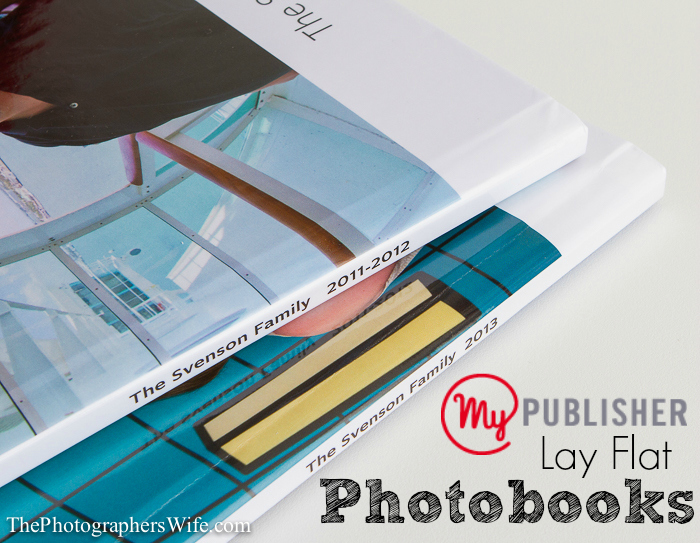
We decided to create books by year, that way it was easily categorized and would include all our events and milestones for both kids throughout the entire year. We kept putting this project off because we thought it would take us forever to do, but since Brett already had most of our photos organized by month and MyPublisher’s creation process was fairly simple, it only took us a couple of nights…the hardest part was deciding which photos to use out of the thousands we had to choose from!
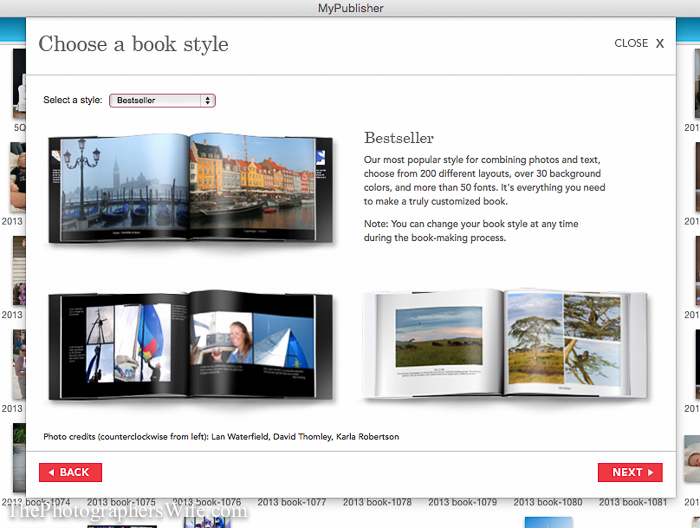
MyPublisher.com is easy to navigate, but provides plenty of options. First, select your book style.
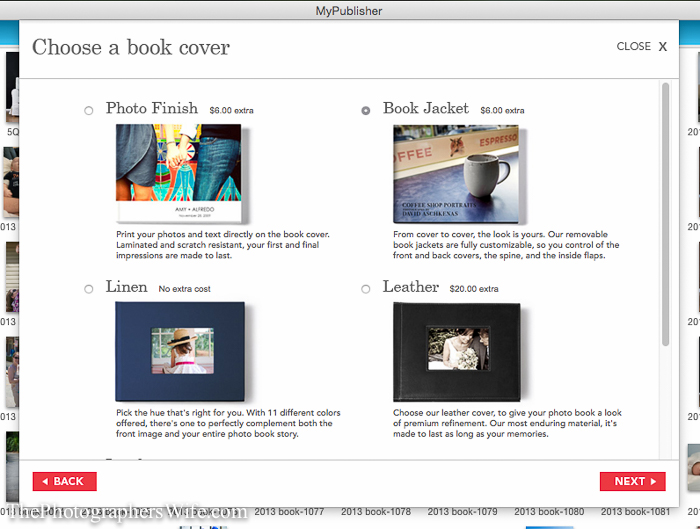
Then, choose the type of cover for your book. We chose the Photo Finish.
Then, time to design!
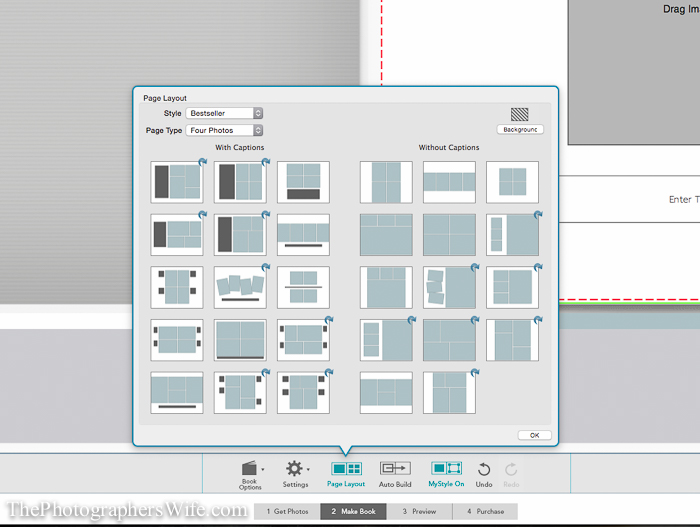
You can choose from various layouts based on how many photos you want to put on each page. You can change this with each page, so your options are endless! And if you want something different, you can make your own layout!
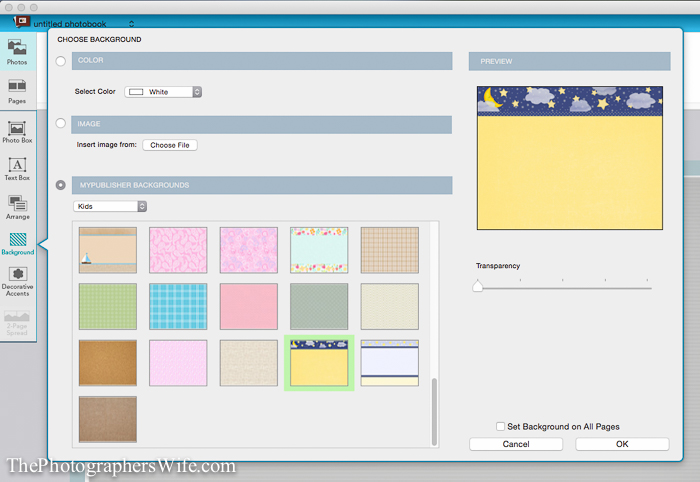
You can choose to have a white background, one of MyPublishers backgrounds, or you can upload your own photo as the background.
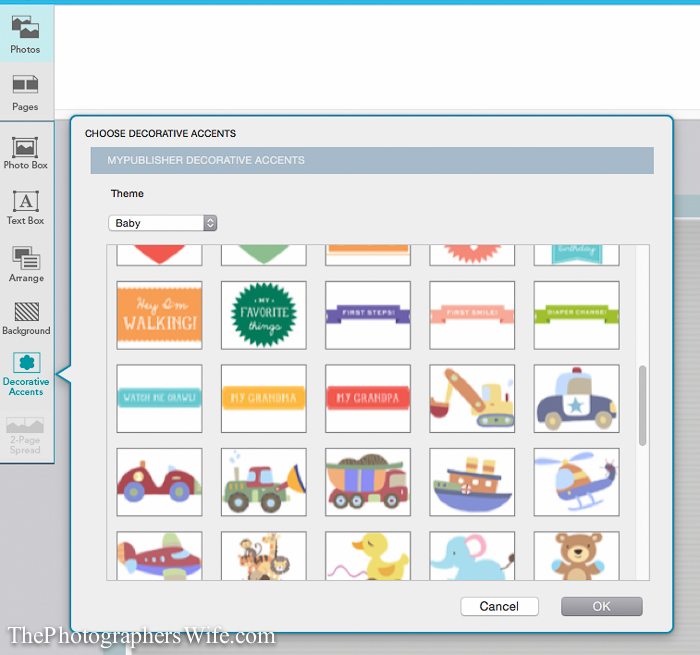
You can also add decorative accents (clip art) onto your pages. IF we had one wish, it would be for more accent themes available. They had a few options, but this was a fun way to explain our events/milestones, so more would have been nice.
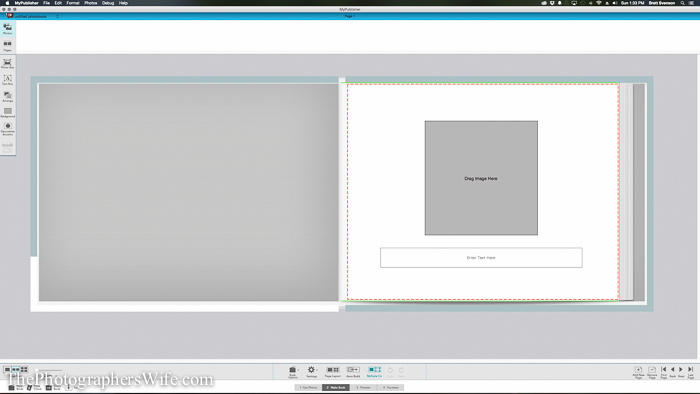
You can also add text anywhere on the layout.
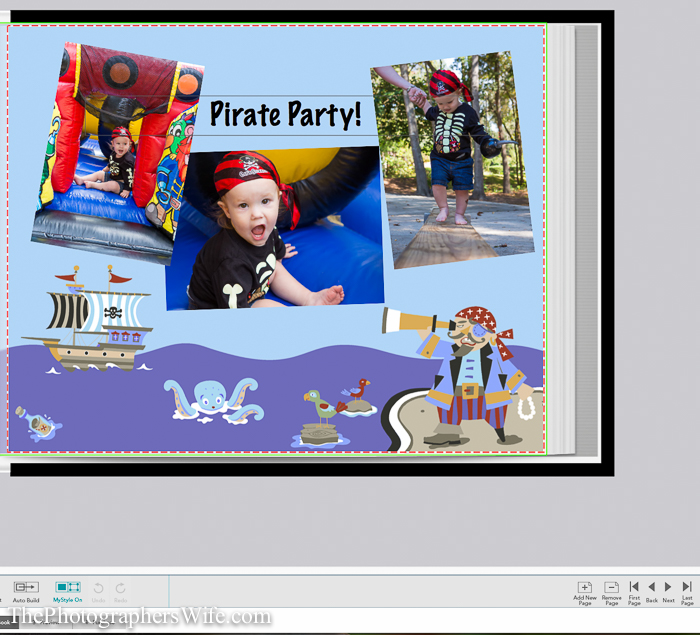
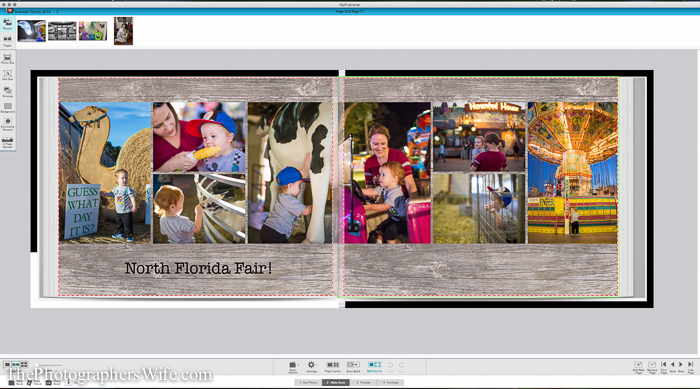
Once you’re finished creating your layouts, you can view your book in it’s entirety to know how the finished product will look. It’s easy to insert pages if you realize you missed something or want to add more.
Once you place your order, you can check on the status and know when to expect your special delivery. 
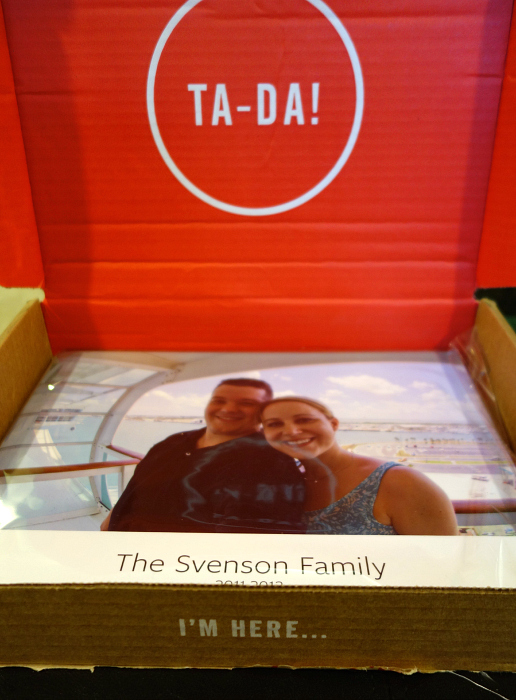
They turned out amazing!
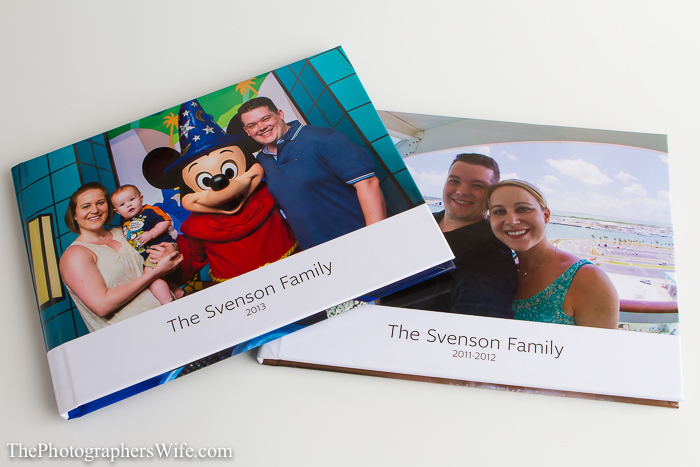
The covers are sturdy and the colors are beautiful and vibrant. I also like how we can put information on the spine, so they are easily identifiable when lined up on a bookshelf.
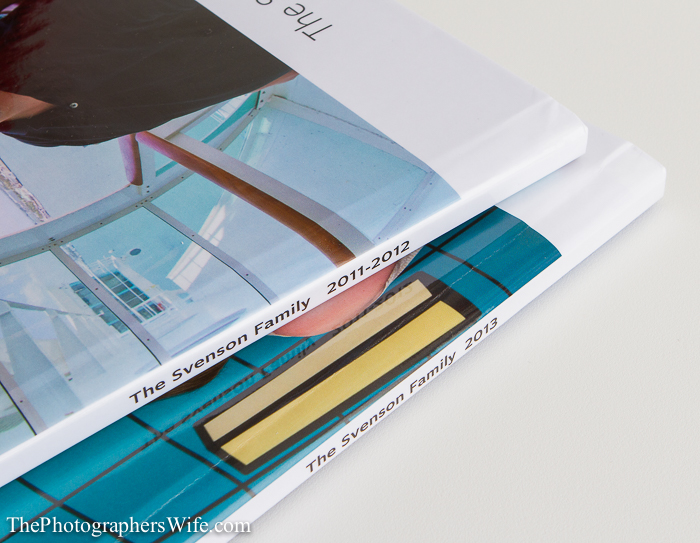
We chose glossy pages and each page looks so good! The pages are decently thick and won’t be easily ripped when flipping through.
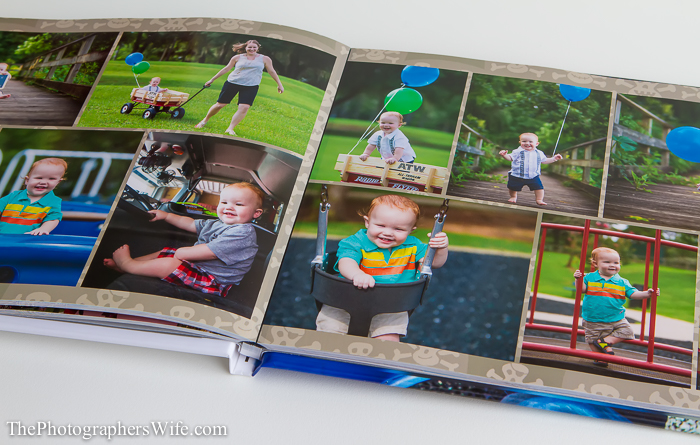
The photos aren’t distorted in any way and the colors are true to the original.
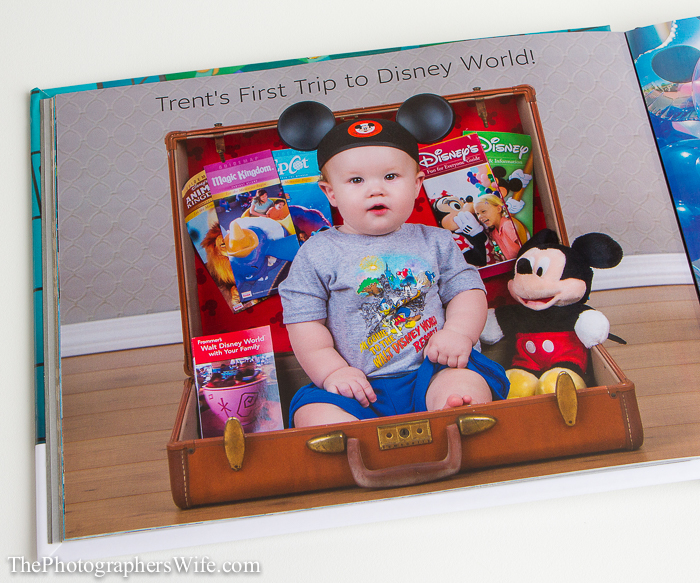
I especially love the pages with one of our photos as the background…it gives it a unique look that no one else has!
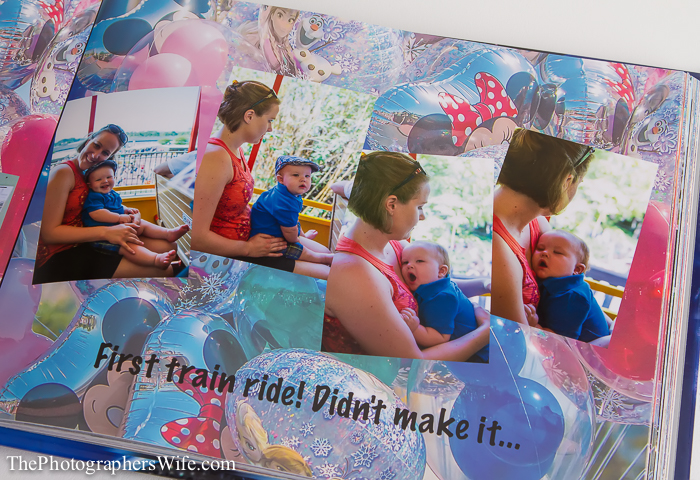
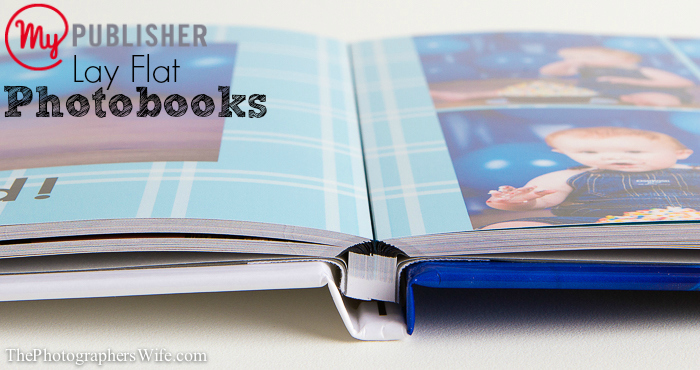
Brett insisted on the lay flat option for the pages, and boy does it make a huge difference. Here is a photo from the MyPublisher site showing the difference between lay flat pages and regular pages.
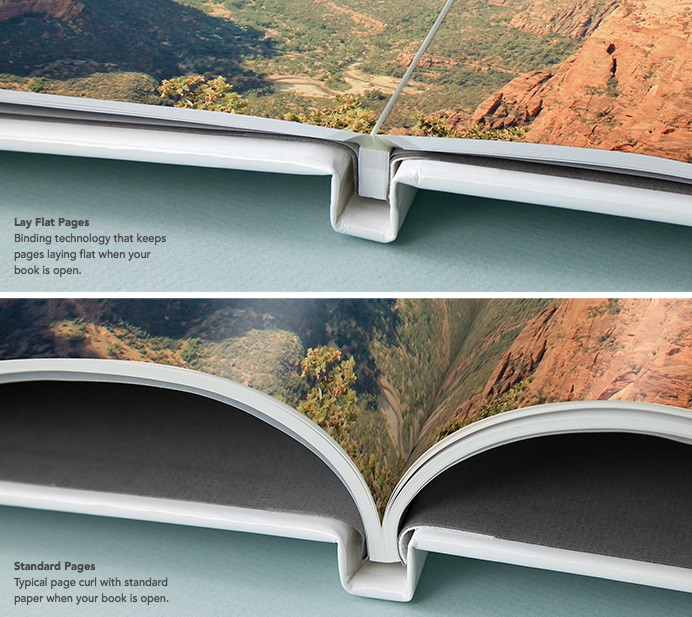
I definitely recommend it, especially if you have any page layouts that span two pages because it allows you to see more of each page.
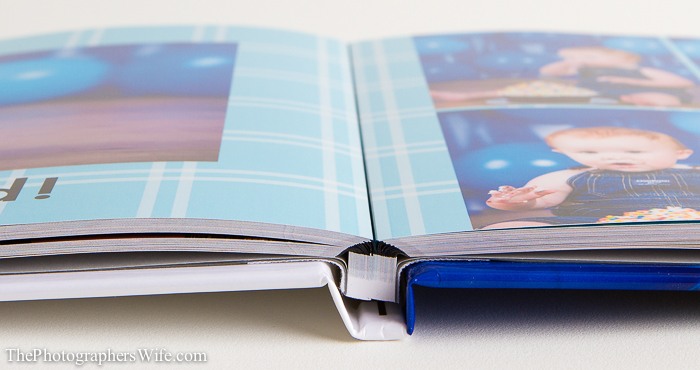
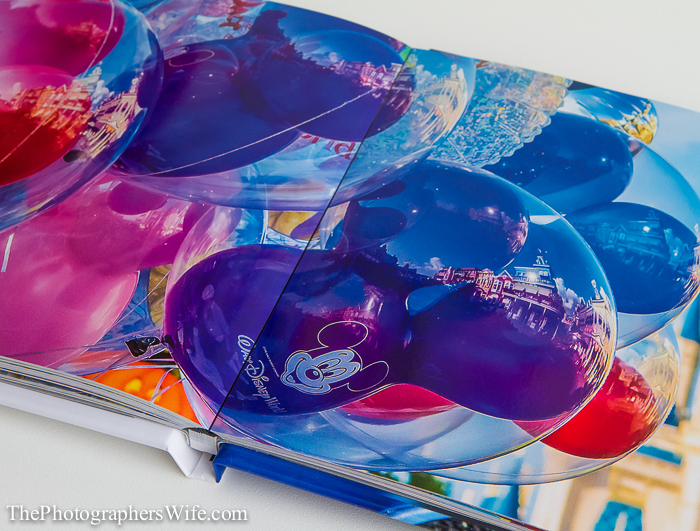
For instance, in this next layout, the castle would have been hidden if it were on regular pages and not the lay flat pages.
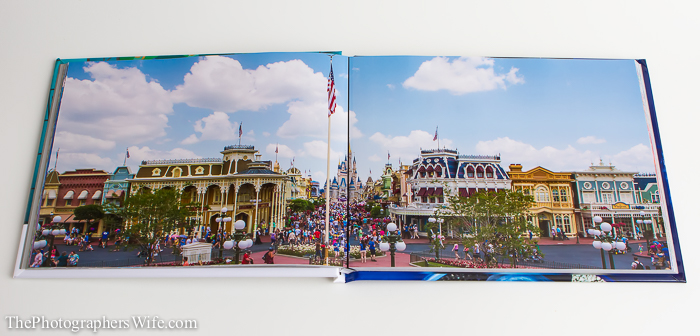
Just look at these amazing colors!
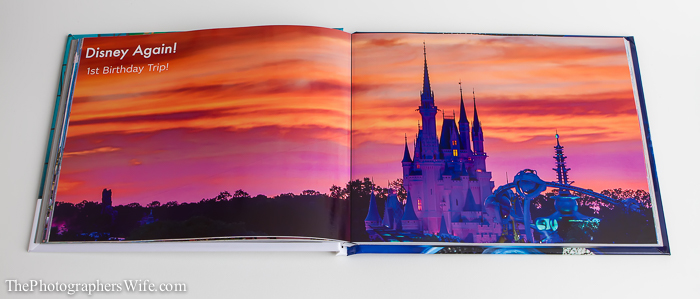
The photo quality is amazing…of course, it helps that the photos are great to begin with, but they transfer beautifully to the printed photobook pages.
We are extremely happy with our MyPublisher photobooks and I’m glad we finally ordered them. Maybe we won’t wait so long to order 2014!
MyPublisher is awesome about offering promo codes! You can sign up to be on their email list and you’ll receive emails with new promo codes, or just head to their website and the current promo is displayed on the home page! Today, they are offering up to 60% off photobooks with free add-ons - and new customers can get a free photobook
To learn more and get started on displaying your memories in a beautiful photobook or album: MyPublisher.com Get social with MyPublisher for deals, ideas and more! Facebook Twitter Instagram Pinterest Share! If you enjoyed this post, I would greatly appreciate it if you’d share it on Facebook, Twitter, Pinterest, etc., to help spread the word. Reader comments with your feedback, thoughts, etc., are also greatly appreciated! Your Thoughts… Do you make yearly photobooks? Or do you make them for certain events, trips, etc.? Please share below in the comments!
Disclaimer: I did receive a special promo code for the purchase of one of these books in exchange for a review, but we personally paid for the rest. All opinions are my own and honest. Thank you for supporting the companies who help support this blog and our family! xo