 The Photographer's Wife Parenting, Disney, Travel, Reviews & Other Randomness
Although we’ve had a security system since we moved into this house almost 5 years ago, we’ve always wanted a little more. There are little things that worry us that can’t be solved with a security system. Sometimes, it’s not just about protecting yourself from a break-in, but also protecting your kids from going places they shouldn’t, or making sure they arrive home safely after school, or catching a water leak, or seeing who is knocking on the door….well, you get the idea. I especially know that my concerns will only grow as the kids get older and Brett and I are both at work.
Recently, we installed several PEQ (pronounced peek) devices and started using their smart home service to help us peek in and rest easy on all those little things that worry us.

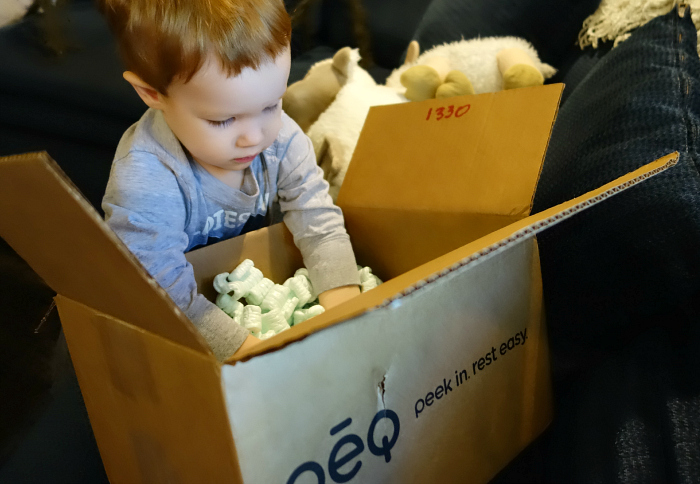
About PEQ:
PEQ empowers you to live life on your own terms and the freedom to Live Life. With PEQ, you can…
- Work without distraction
- Travel without worry
- Fix what you forgot
- Protect what you love
PEQ offers consumers a simple and flexible way to view, control and receive alerts from their home anywhere… at work, while on vacation, or traveling. Through a single app on your laptop, smartphone or tablet, you can view and control your home from anywhere.
How does PEQ work?
First, select the devices that are right for you and your needs (i.e. door sensors, thermostat, etc.)
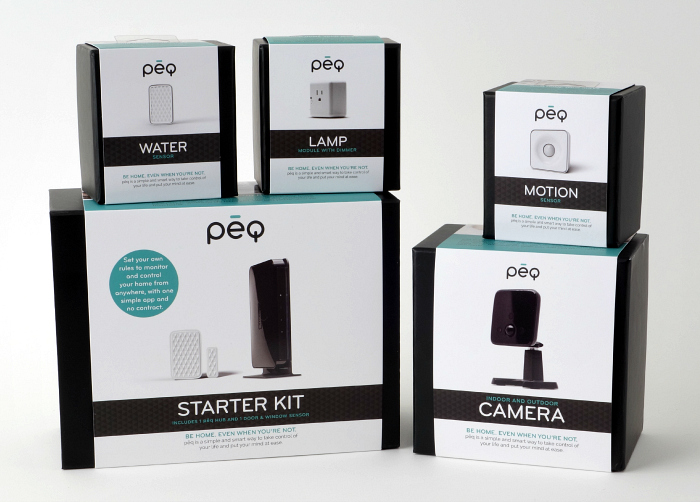
Second, sign up for PEQ’s monthly service for $9.99 a month
What do you get for $9.99 a month?
- Ability to connect an unlimited number of devices to the PEQ service
- Access to the best user interface in the smart home industry
- Live, professional customer care and tech support seven days per week
- A device ecosystem that has been certified and guaranteed to work with the PEQ service
- Extensive storage of video and pictures
- Live, streaming video to your laptop, smartphone or tablet
- Regular updates to the user interface and apps to add new features and functionality, essentially future proofing your investment
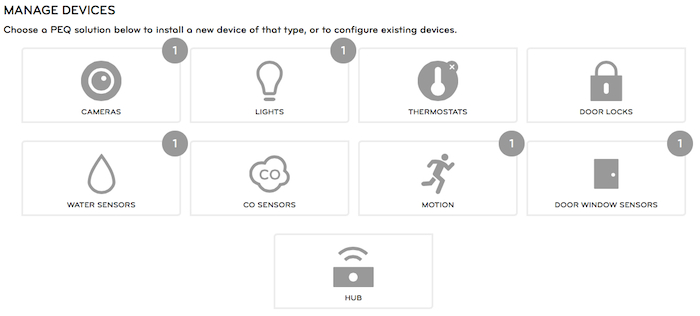
Third, install them easily on your own, or with help from PEQ
Installation was fairly simple, but did take some time. The website gives you tutorials and videos to guide you through the setup of each device. You have to decide where you want to put each device and then you use the website to activate everything and make sure everything is synced correctly. It took a few hours to connect our several devices…part of that being us trying to decide what we wanted to monitor, where to put the devices that we had and then setting up the rules, which is the final step…
We installed several devices, each giving us peace of mind over certain aspects of our house. The Starter Kit comes with the Hub and 1 Door & Window Sensor.
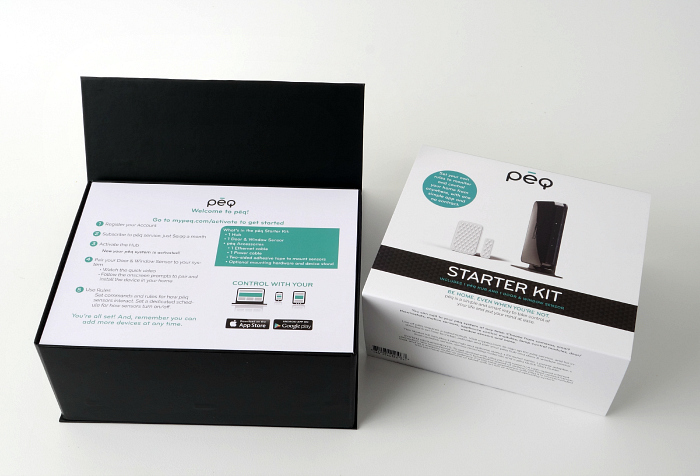
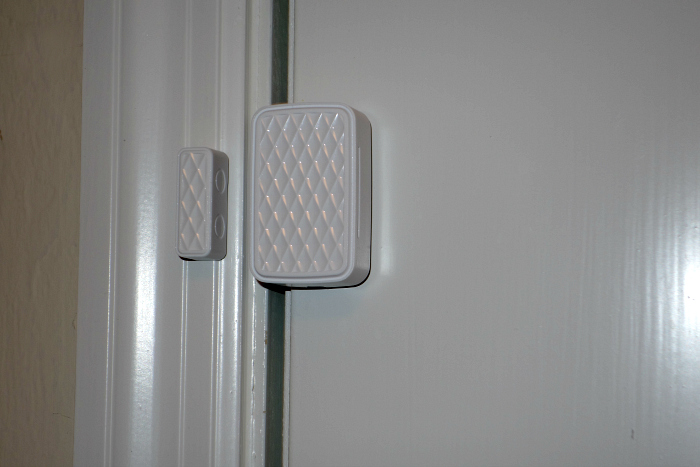
We put the Door & Window Sensor on the front door. It comes with 2 pieces, one goes on the door and one goes on the farm and if they become separated the sensor goes off.
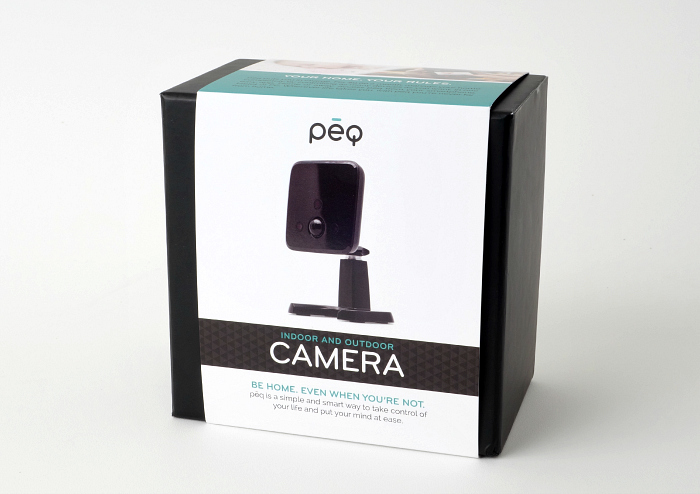
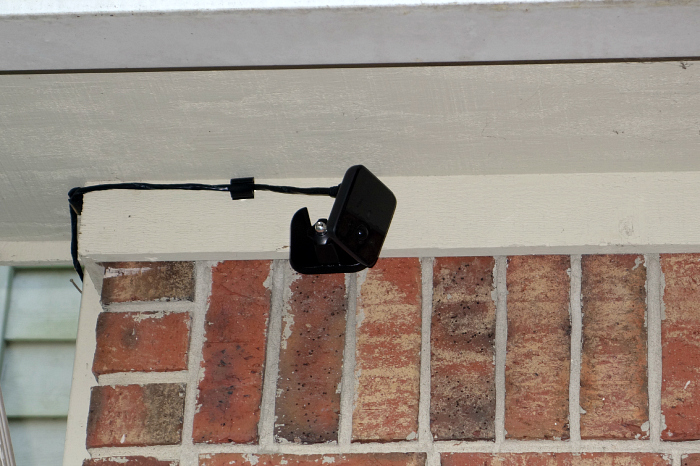
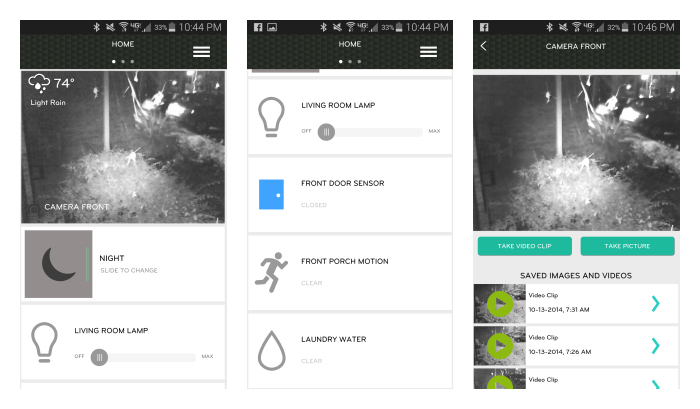
We set up the Indoor/Outdoor Camera on the outside of our house, facing the front door and our cars in the driveway.
This was the functionality we anticipated the most…being able to see outside at any time of the day or night. If anything ever happened to our cars, or if someone tried breaking in, the camera will see it. The infrared technology allows it to get great video at night too.
Also, this is a great idea if you want to be able to see who is knocking at the door before you get there. If I’m nursing on the couch and I hear a knock…I am able to see on my phone that it’s the UPS guy just dropping off a package and I don’t have to stop nursing to get up.
PEQ has several additional devices to fit your needs.
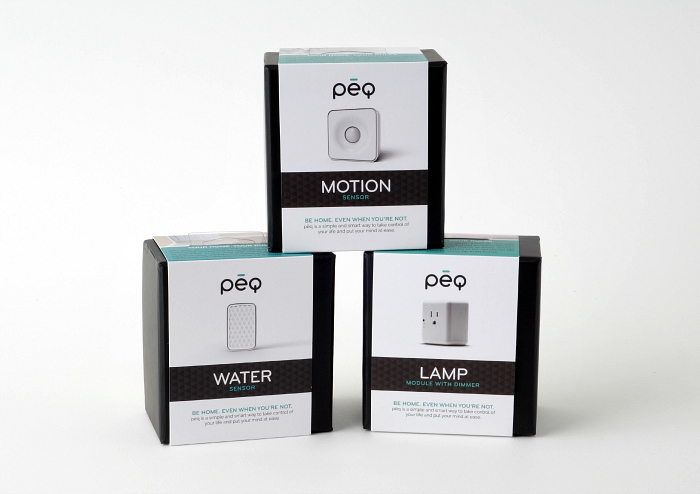
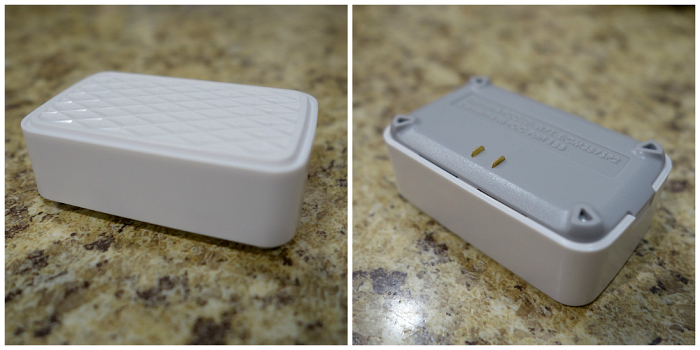
We set up the Water sensor in the laundry room. Our cat likes to hide behind the washer and dryer when people come over, and has punctured the water line before, so if those two sensors on the bottom in the photo below become damp, we will be notified. A water leak while we’re out of town would NOT be good.
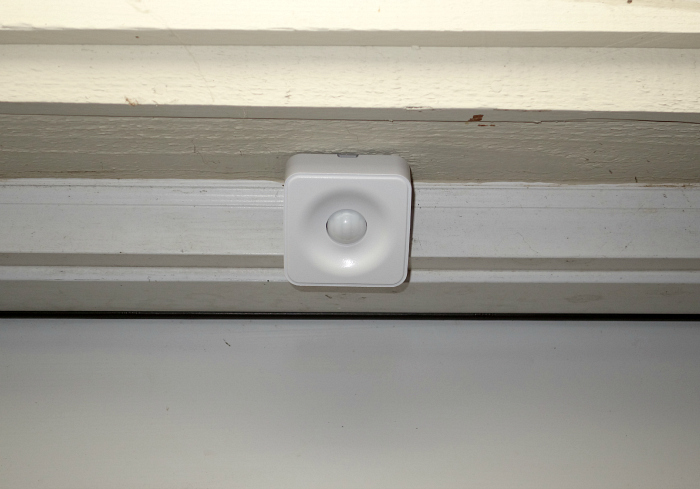
We set up the Motion Sensor to detect any movement in the front of our house, specifically the front porch. You may ask why we put a Door sensor and a Motion Sensor in the same spot. The door sensor is for detecting the opening of the door only…the motion sensor will detect movement, regardless of whether the door is open. We also did this because of the rules we wanted to set up, which I’ll talk about next.
We also installed a Lamp Module with Dimmer. You can turn the light on and off from your phone and you can set up rules for it to turn on and a certain time of day.
Finally, set up the rules (alerts) that best support your needs
The really neat thing about the PEQ service is that you can set up “rules” that will alert you or turn on certain devices when certain things happen. For instance, we have it set to where if we are asleep or away, and the front porch detects movement, the camera will record and email both of us a video clip. So far, it’s only been videos of cats, but that lets me know it works and that if anything were to happen, it would be on camera!
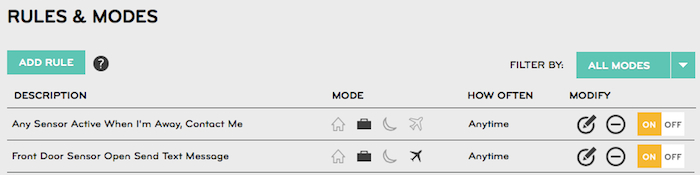
Another idea is that parents could set up a rule for them to be notified when the front door is open around the time the kids will be getting home from school, just to make sure they arrived home safely. There’s lots of variations and rules that can be set up with each device, and they can even work together for combo rules.
You can also view the entire system online at any time, including the history of each device. (Those are Halloween decorations on our porch  )
)
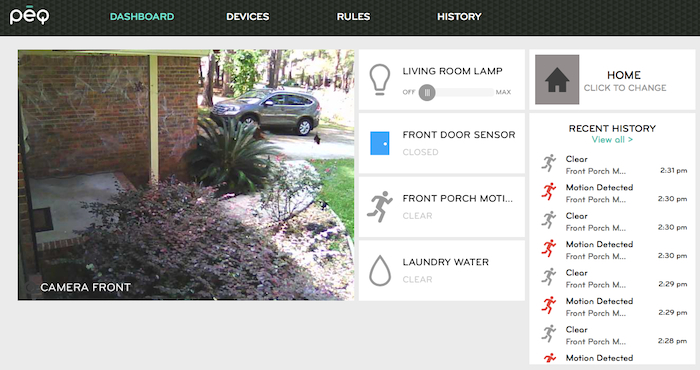
I love being able to view and control any part of the system from my smartphone or tablet.
PEQ Benefits:
- The “phew†factor. PEQ relieves you from constant worries about the safety and stability of things you own at home, and the people you love while you’re away
- The “personalized†factor. PEQ empowers you to control your home on your terms from anywhere. Add as many rules as you want. Add as many devices as you want
- The “DIY†factor. No technical knowledge required
PEQ is available for purchase online at mypeq.com and various Best Buy locations across the US, with more distribution partners being announced this fall.
I was selected for this opportunity as a member of Clever Girls Collective and the content and opinions expressed here are all my own.
Important to the implementation of these devices in homes, reassure parents let them stay tuned and activities for children as well as what happens around the house